1. Log In to the System
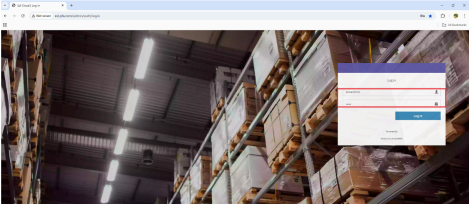
Go to: http://esl.pfa.com/admin/auth/login
Use the login credentials for the store you want to access.
2. Navigate to Device Settings
● After logging in, click on “EPD” in the menu.
● Under EPD, click on “Templates”.
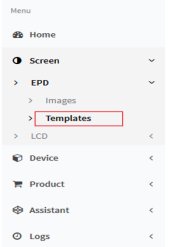
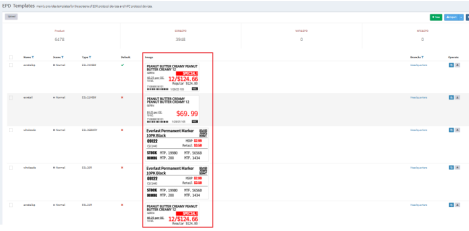
3. It will show the details for the templates On the right side you can see under the operate you can download or copy the template